 Bamonick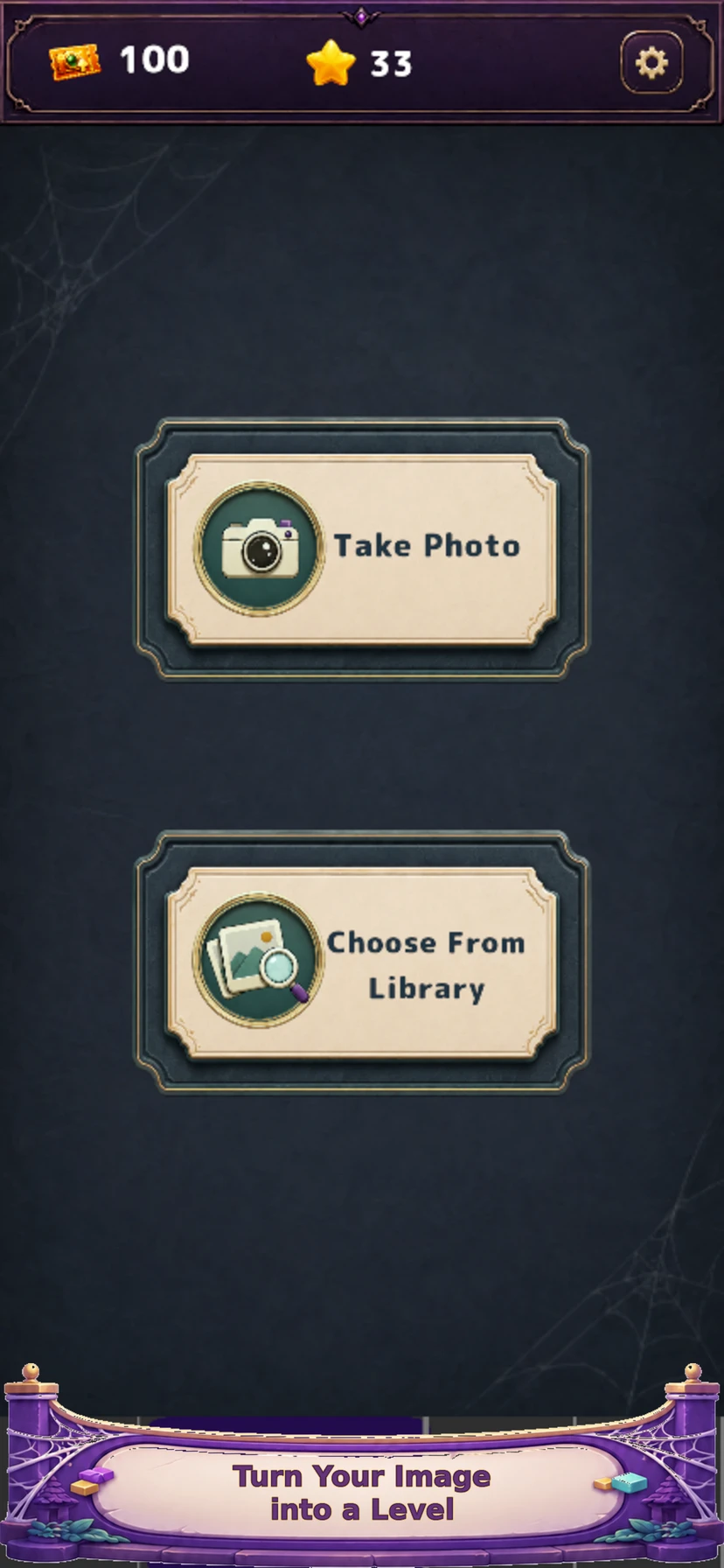
Choose a picture with something to discover
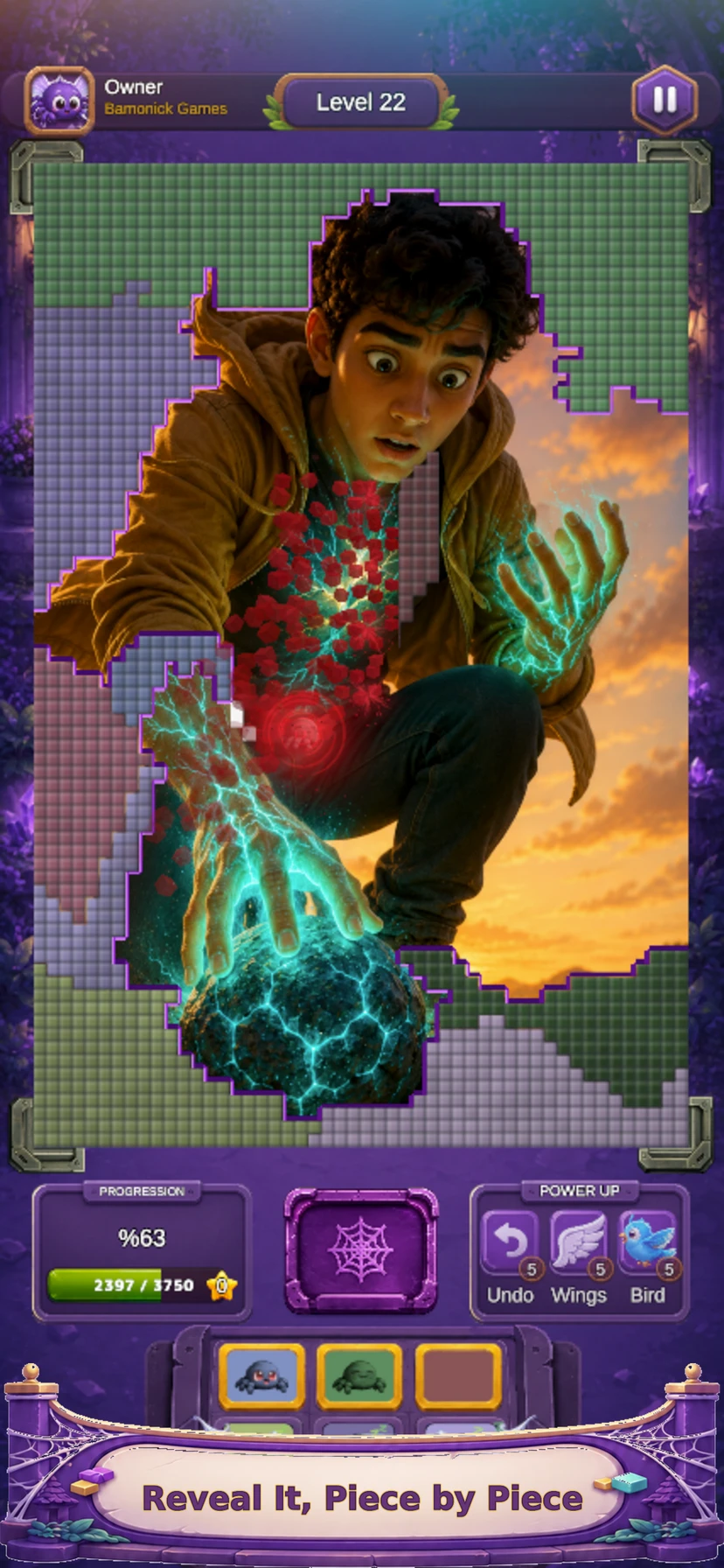
A garden with a bright flower, a pet against a simple background or a close-up of something you made gives players an identifiable subject. A very dark image, tiny text or a group of distant faces is harder to read on a phone. Ask yourself whether one small revealed area could offer an interesting clue. You do not need to generate an AI image: a photo or artwork you have permission to use is enough.
Frame the image for a phone screen
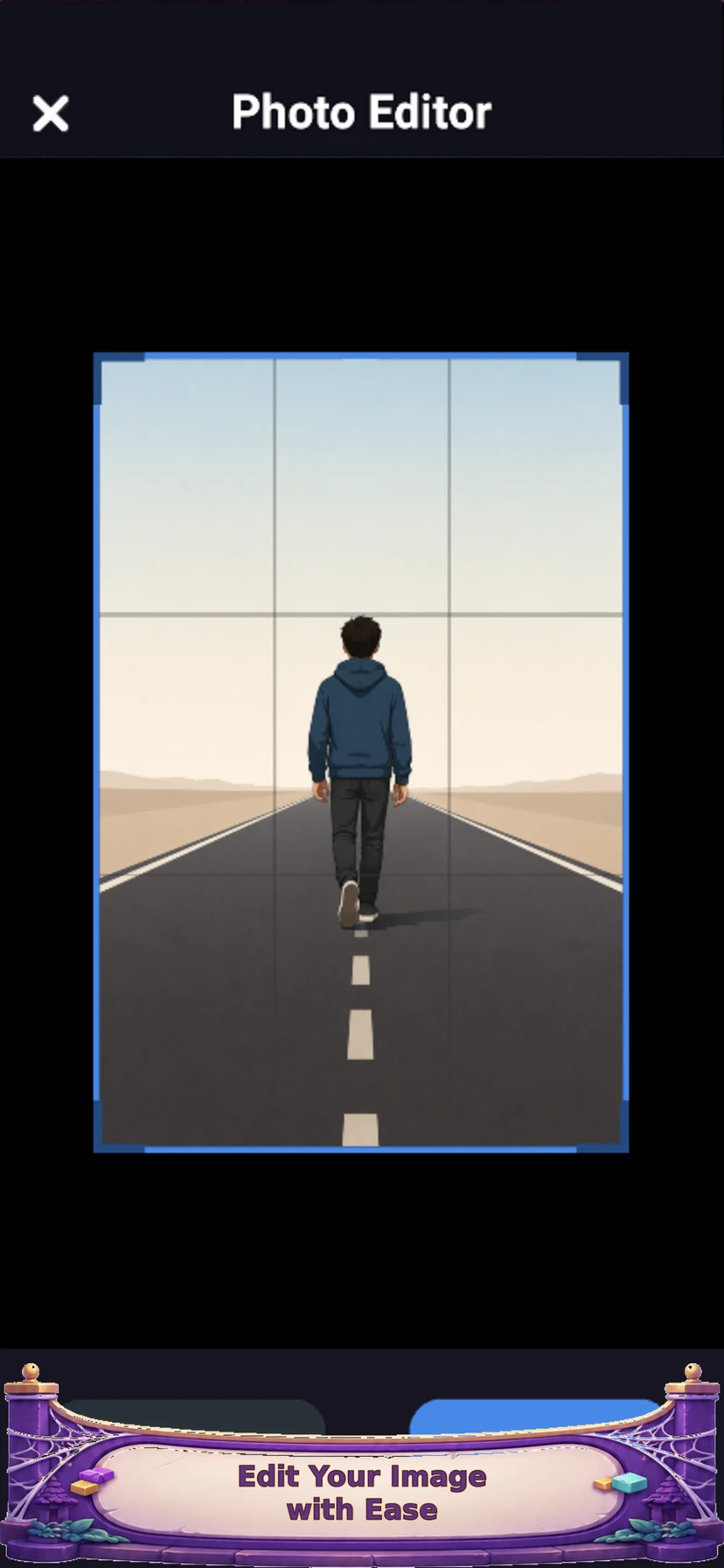
Use the editing flow shown in the app screenshots to place your subject within the picture. Keep the important detail away from the outer edges and check that it remains recognisable at a small size. For a handmade object, for example, leave enough surrounding texture for the first few pieces to provide clues. The goal is a picture that feels good to uncover, rather than one that merely fits the frame.
Create the level in the app
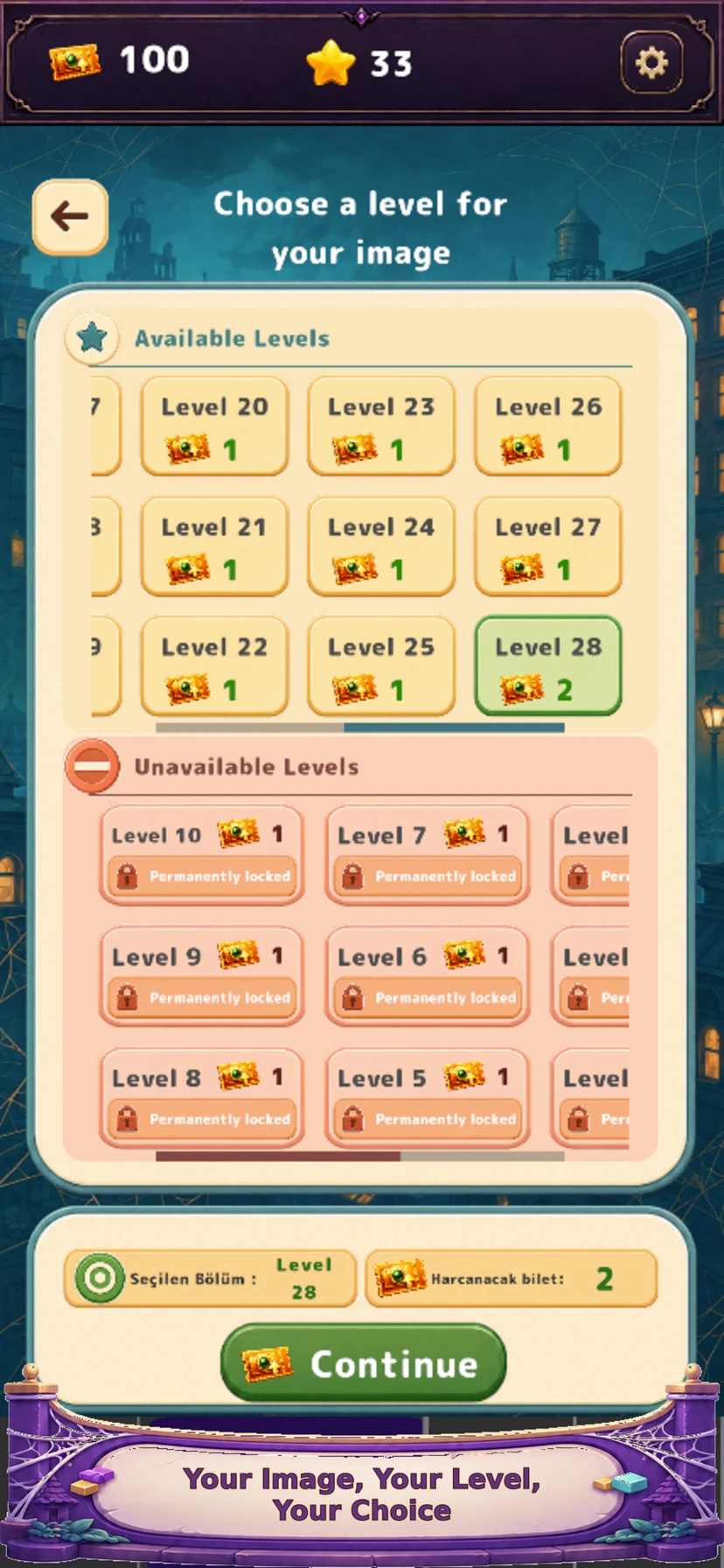
Use the own-image level creation flow and review the available options before submitting. The screenshots below show image editing, level choices and sharing features. Screen names and available options can change between app versions; use the prompts in your installed version. The website does not upload your photo or create the Silky Reveal level for you.
Know what happens to an uploaded image
Images submitted for level creation are transmitted for processing and moderation. Our privacy policy describes automated content-safety checks using OpenAI services and image segmentation on a server we operate using SAM. This is not an entirely on-device photo workflow. Avoid sensitive documents, addresses or images of someone who has not agreed to the intended use.
Make a photo people will enjoy playing
Before sharing a level, consider the people who will see the picture. A friend may recognise a familiar place; another player needs a subject that makes sense without that context. A clean composition and one focal point can work for both. Use only images you own or are allowed to use, and avoid placing private information in the image or associated links.
Questions before you play
Is this a printed photo jigsaw?
No. Silky Reveal creates a digital picture reveal puzzle played in the app. It does not sell printed jigsaw puzzles.
Can I use a photo from my own collection?
Yes, Silky Reveal supports puzzles made from your images. Use pictures you have the right to submit and follow the creation options in the app.
Do my photos stay only on my device?
No. Submitted images are transmitted for processing and moderation, as described in the privacy policy.
Where can I play Silky Reveal?
Silky Reveal is available for Android, iPhone and iPad. The browser games on this website are separate activities.